Customer's
1. Page Objectives
The "Customer Articles" page provides an overview of the articles related to specific clients. This page allows the user to register, view, and filter client-specific articles.
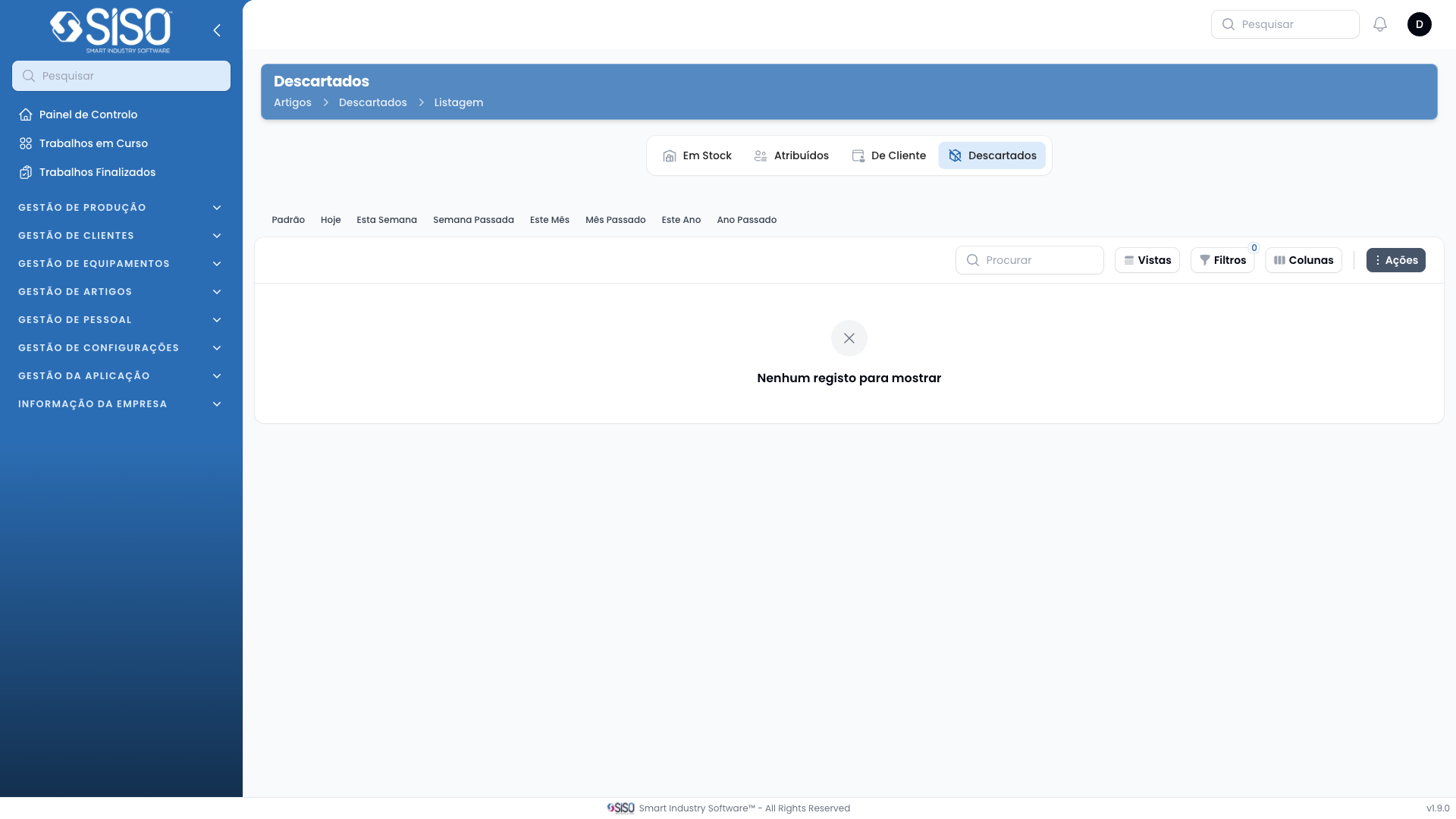
2. Table
The table on this page contains details of the customer-related articles. Each record shows relevant information, including client details, assigned dates, and item specifications.
2.1. Table Actions
- Register Client Article: Allows the user to register a new article for a client.
- Export All: Exports all the data in the table for external use.
2.2. Columns
| Field | Description |
|---|---|
| Article Type | The type of the article (e.g., uniform, equipment). |
| Client | The name of the client associated with the article. |
| Delivery Address | The address to which the article was delivered. |
| Client Employee | The employee from the client's side who received the article. |
| Assigned Since | The date when the article was assigned to the client. |
| Size | The size of the article, if applicable. |
| Color | The color of the article, if applicable. |
| Assigned Part ID | A unique identifier for the article assigned to the client. |
2.3. Filters
- Client: Filters the articles by the client.
- Article Type: Filters the articles by the type of article.
- Size: Filters the articles based on the article size.
- Status: Filters articles by their assignment status (Assigned, Carrierless).
- Assigned from: Filters by the start date of the article assignment.
- Assigned until: Filters by the end date of the article assignment.
2.4. Record Actions
- History: Displays the history of the selected article.
- Unassign: Removes the article assignment from the client.
- Edit: Allows the user to edit the article details.
- Discard: Deletes the selected article record.