Assigned
1. Page Objectives
This page is dedicated to managing assigned articles in the system. It allows users to view, filter, and manage articles assigned to clients, including details such as client, delivery address, and assigned part ID.
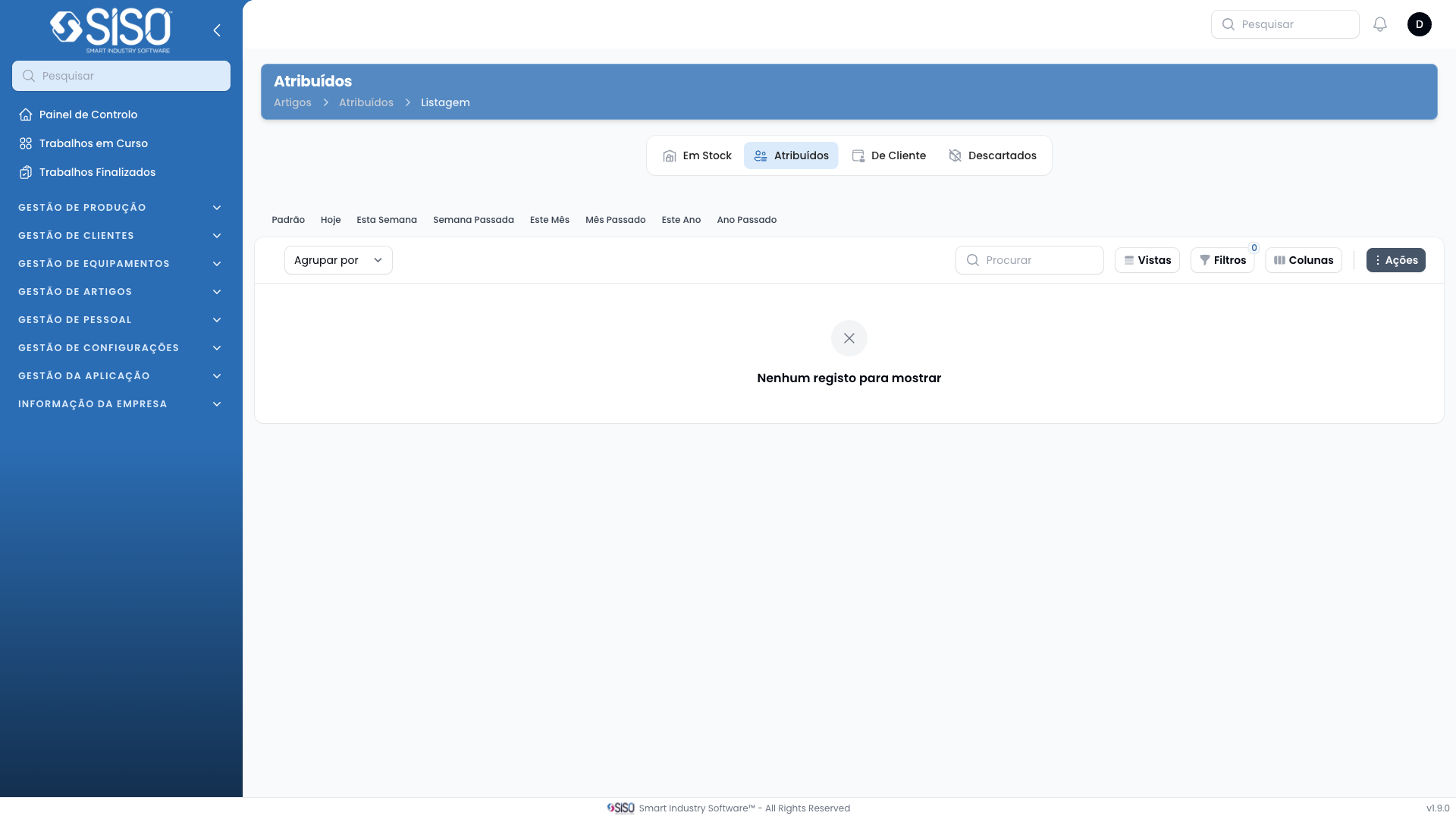
2. Table
The table lists all the assigned articles with detailed information about each item, including the client, delivery address, and employee responsible for the item. The table also offers several actions and filters to manage the records effectively.
2.1. Table Actions
- Export All: Exports all records from the table to a file for offline review or reporting.
- Synchronize: Updates the data in the table based on the latest changes made in the system.
2.2. Columns
| Field | Description |
|---|---|
| Article Type | The type of the article assigned to the client. |
| Client | The name of the client who received the article. |
| Delivery Address | The address where the article was delivered. |
| Client Employee | The employee of the client who received the article. |
| Assigned Since | The date and time when the article was assigned to the client. |
| Size | The size of the assigned article. |
| Color | The color of the assigned article. |
| Assigned Part ID | A unique identifier associated with the assigned article part. |
2.3. Filters
- Article Type: Allows filtering of the records by the type of article assigned.
- Client: Filter articles based on the specific client.
- Size: Filter the list by article size.
- Assigned From: Allows filtering by the date from which the article was assigned.
- Assigned Until: Allows filtering by the date until which the article is assigned.
- Status: Filter articles based on their status, such as New or Used.
2.4. Record Actions
- History: View the history of the assigned article, including changes and updates over time.
- Unassign: Unassign the article from the client, making it available for reassignment.
- Edit: Edit the details of the assigned article.
- Discard: Discard the article, removing it from the assigned list.