Finished Today's Incidents
1. Page Objectives
This page provides a list of ongoing incidents that need resolution. The page allows users to view, validate and reject incidents.
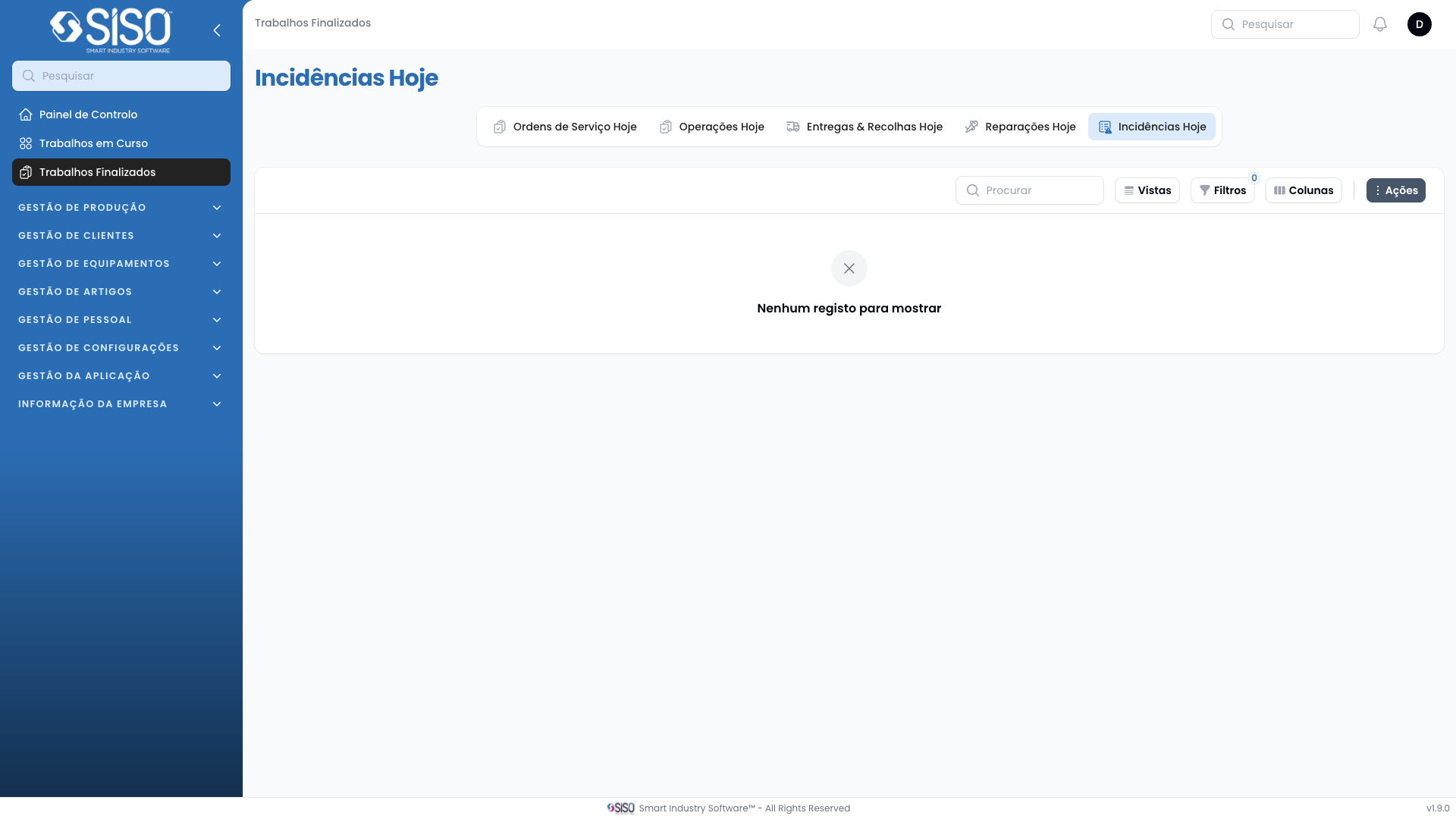
2. Table
This table displays the incidents related to today's work orders. It includes a variety of data points related to each incident, such as the code, reported time, operation details, and more.
2.1. Table Actions
- Export All: Allows the user to export all the records from the table. Once exported, they can be downloaded in .csv or .xlsx formats.
2.2. Columns
| Field | Description |
|---|---|
| Code | Unique code for the incident. |
| Reported At | Date and time when the incident was reported. |
| Operation | Operation where the incident was reported. |
| Validated At | Date and time when the incident was validated. |
| Article Type | Type of article involved in the incident. |
| Size | Size of the article involved. |
| Client | Client associated with the incident. |
| Incident Type | Type of incident, whether internal or external. |
| Complainer | Name of the person or entity who reported the incident. |
| Motive | Reason or motive for the incident. |
| Validated by | Person who validated the incident. |
| Solution | Proposed or implemented solution for the incident. |
| Cost Allocation | Information about how costs are allocated to resolve the incident. Can be selected directly in the table. |
| Status | Current status of the incident. |
| Description | Description of the incident. |
2.3. Filters
- Client: The specific client associated with the data.
- Incident Type: The incident type.
- Solution: The solution.
- Motive: The motive.
- Reported from: The reported date from which incidents are considered.
- Reported until: The reported date to which incidents are considered.
2.4. Record Actions
- Export All: Export all incidents in the current view to a file for external use.