General Configuration
1. Page Objectives
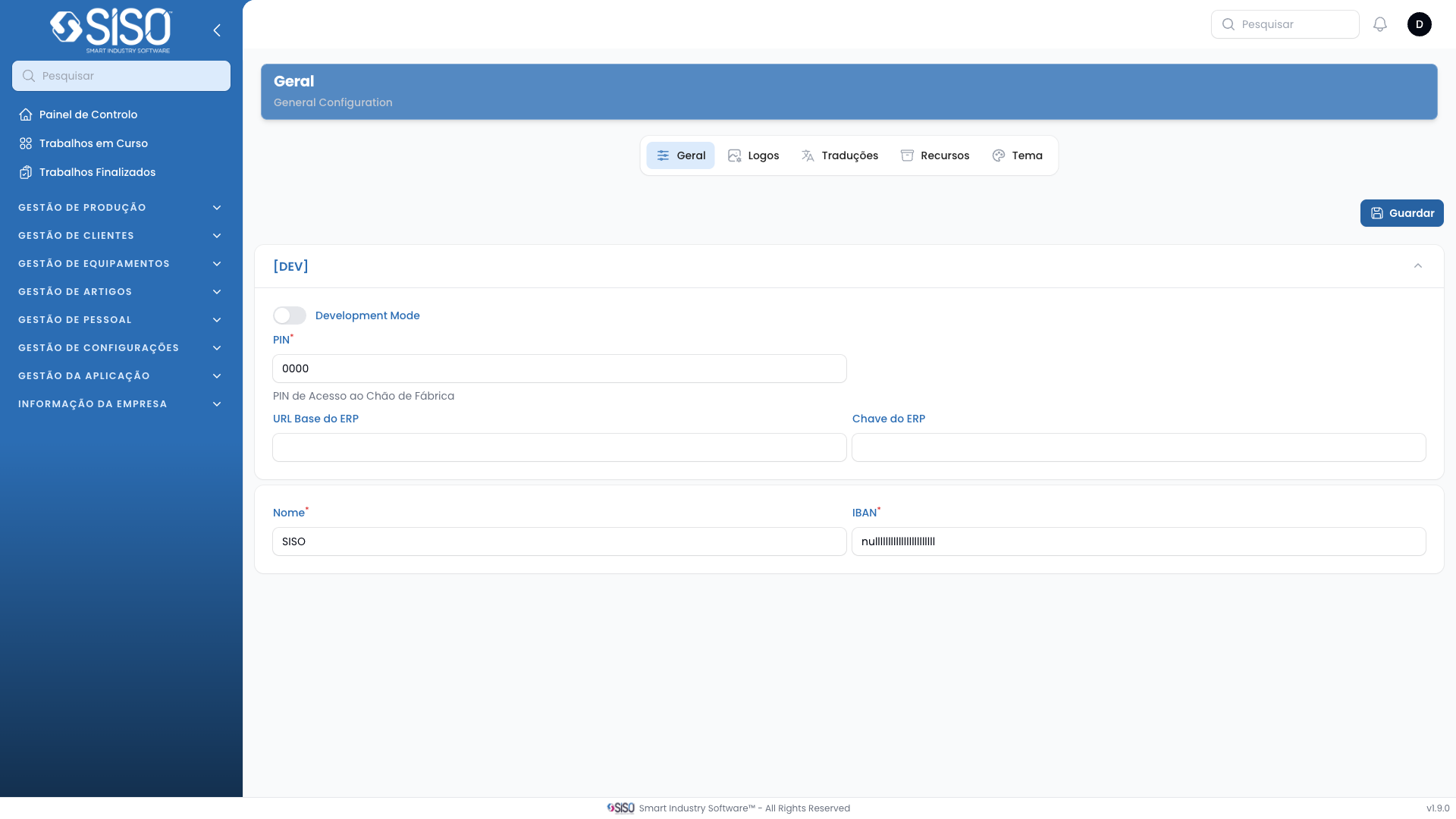
The General Configuration page allows users to configure various system settings, such as the company logos for light and dark modes, the favicon, and some other general settings like the Shopfloor Access PIN and IBAN.
2. Table
This page does not contain a traditional table but includes several configuration sections like General settings and Logo settings.
2.1. Table Actions
- Save: Saves the changes made in the configuration sections, including the logos and general settings.
2.2. Sections
| Field | Description |
|---|---|
| PIN | A numeric value used for Shopfloor Access. |
| IBAN | The International Bank Account Number associated with the company. |
| Logo Light Mode | Uploads the logo used in the application's light mode. |
| Logo Dark Mode | Uploads the logo used in the application's dark mode. |
| Favicon | Uploads the favicon used in the browser tab for the application. |
2.3. Filters
This page does not contain any filters.
2.4. Record Actions
This page does not contain record actions, but it allows for logo uploads and general settings configurations.