Departments
1. Page Objectives
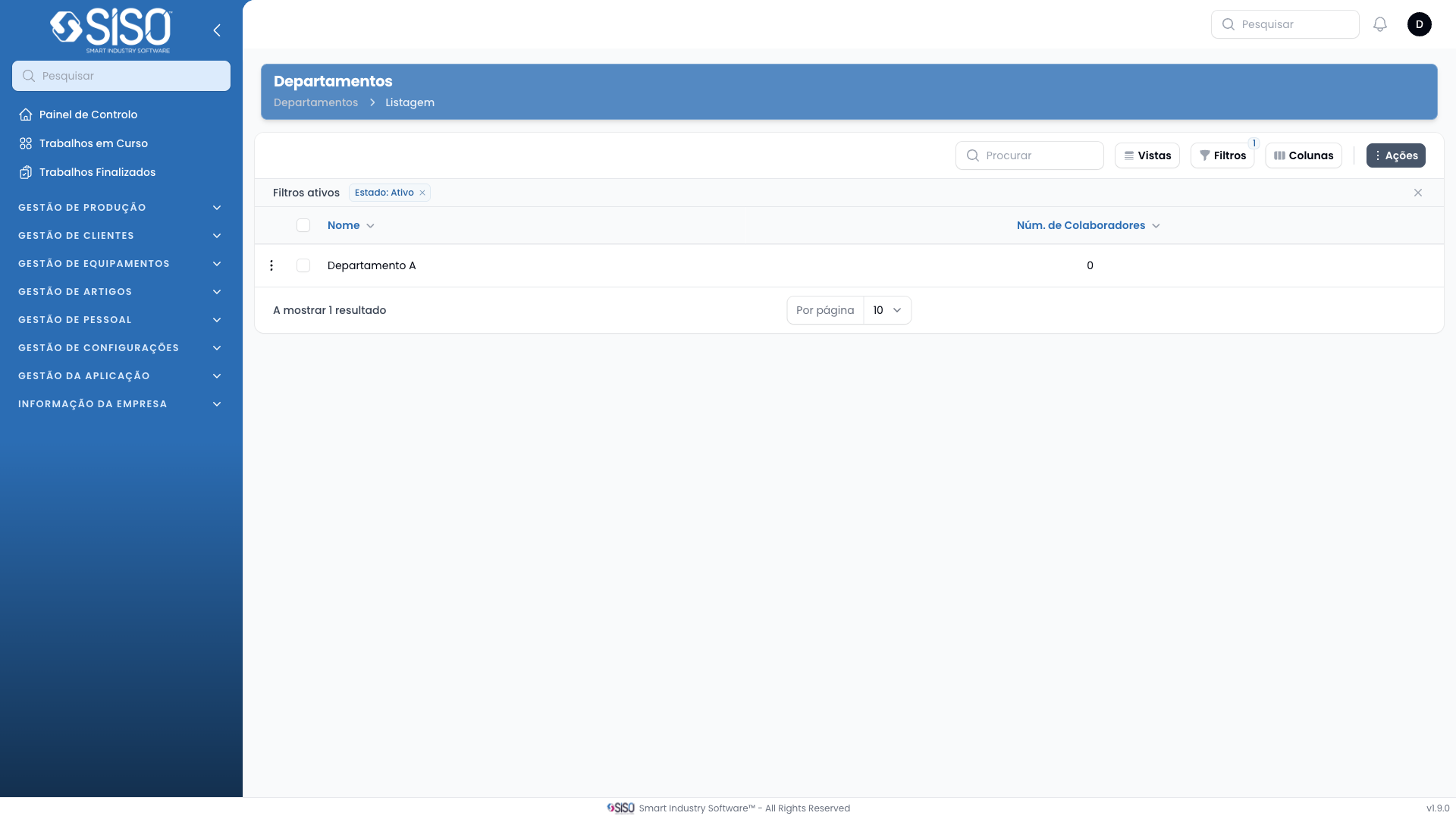
The Departments page is designed to list all the departments within the organization, providing details such as the number of employees in each department. Users can view, edit, or delete departments, and create new departments as needed.
2. Table
The table displays a list of departments, including the department name and the number of employees associated with each department.
2.1. Table Actions
- New Department: Allows users to create a new department by filling in the relevant details.
- Export All: Exports the list of departments to an external file for further use.
2.2. Columns
| Field | Description |
|---|---|
| Name | The name of the department. |
| Number of Employees | The number of employees currently in the department. |
2.3. Filters
- Status Filter: Allows users to filter the departments based on their status (Active, Inactive, or All).
2.4. Record Actions
- View: Allows users to view detailed information about the selected department.
- Edit: Allows users to modify the details of the selected department.
- Delete: Allows users to delete the selected department from the list.