Business Areas
1. Page Objectives
The "Business Areas" page allows users to view and manage different business sectors associated with clients in the system. It helps to organize clients by their business areas for easier management and categorization.
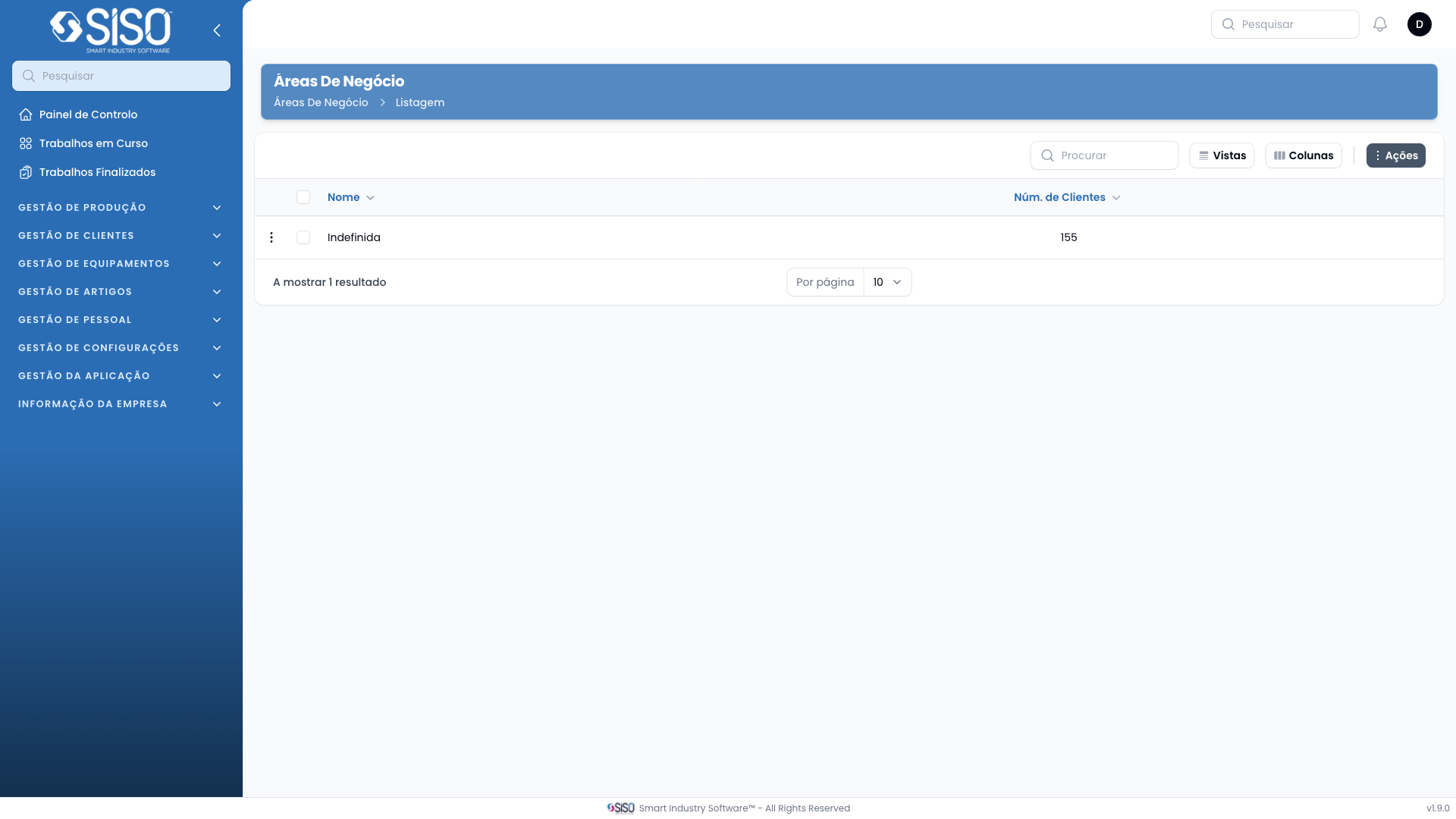
2. Table
The table on the "Business Areas" page displays a list of business areas along with the number of clients associated with each area. This provides a quick overview of which business sectors are more populated with clients.
2.1. Table Actions
- New Business Area: Allows users to create a new business area in the system.
- Export All: Enables the export of all business areas listed in the table.
2.2. Columns
| Field | Description |
|---|---|
| Name | The name of the business area. |
| Number of Clients | Displays the number of clients in each area. |
2.3. Filters
- Status: This filter allows users to view business areas based on their status (Active, Inactive, or All). By selecting the status, users can filter the table to show business areas accordingly.
2.4. Record Actions
- View: Opens a detailed view of the selected business area.
- Edit: Allows users to modify the details of the selected business area.
- Delete: Removes the selected business area from the system.