Cost Centers
1. Page Objectives
The Cost Centers page is designed to manage and organize different departments' cost allocations. This page provides a list of the existing cost centers within the system, with the option to view, edit, and delete cost center records.
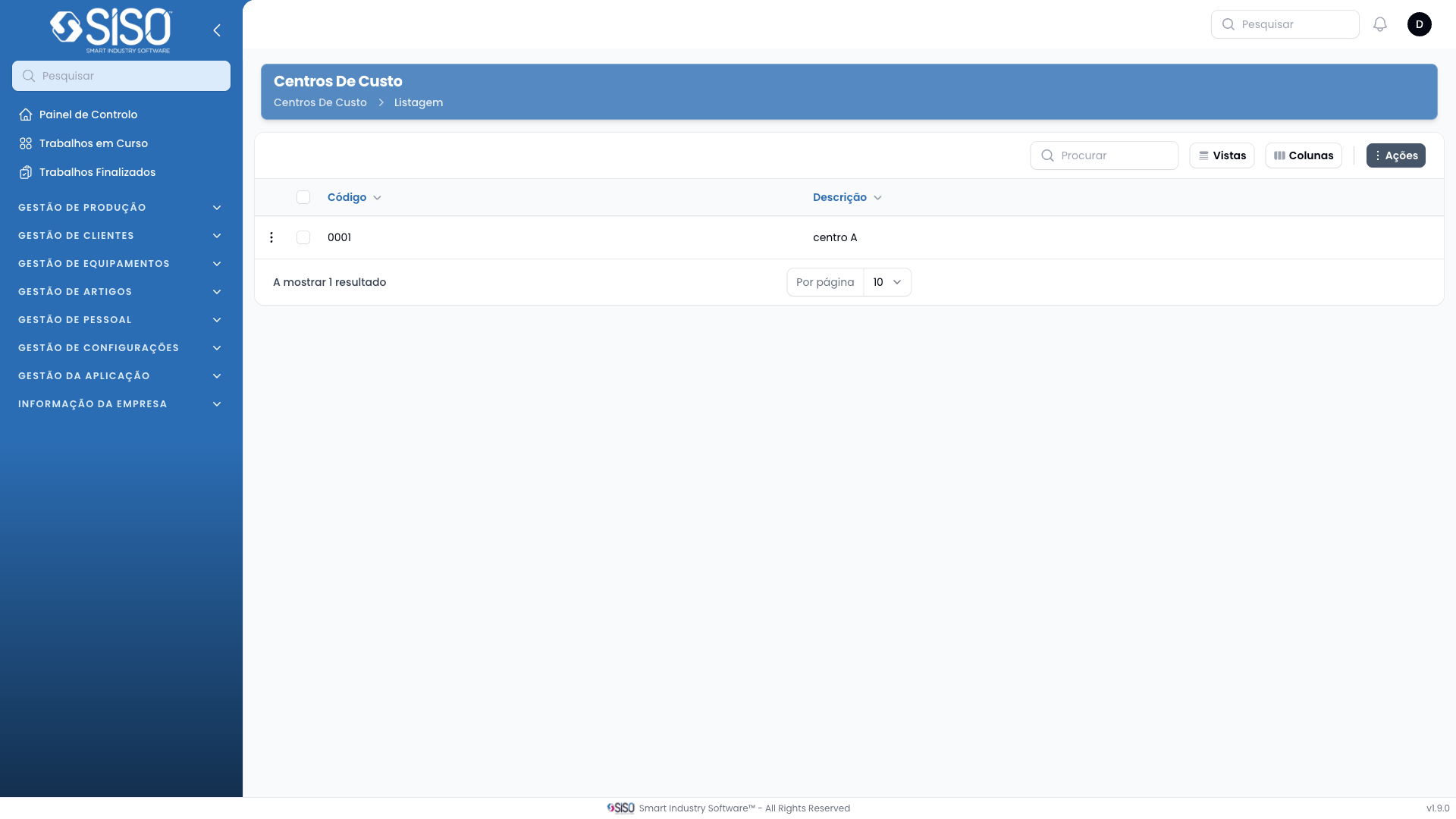
2. Table
The table on the Cost Centers page displays the code and description of each cost center. It provides a quick overview of the existing cost centers and allows the user to filter and manage these entries.
2.1. Table Actions
New Cost Center: Allows the user to create a new cost center by entering relevant information such as code and description.
Export All: Exports the entire list of cost centers for external use.
2.2. Columns
| Field | Description |
|---|---|
| Code | Displays the unique identifier for each cost center |
| Description | Provides a brief description of the cost center |
2.3. Filters
Status Filter: Allows the user to filter the cost centers by their status (e.g., Active, Inactive). By default, the filter shows only active cost centers.
2.4. Record Actions
Edit: Opens a form where the user can update the details of the selected cost center.
Delete: Removes the selected cost center from the system after confirmation.