Client Requests
1. Page Objectives
The Client Requests page is designed to manage and view all client-related requests. It provides filters and columns to view relevant data, such as request types, statuses, and other client information. The page also allows users to perform various actions on the requests displayed in the table.
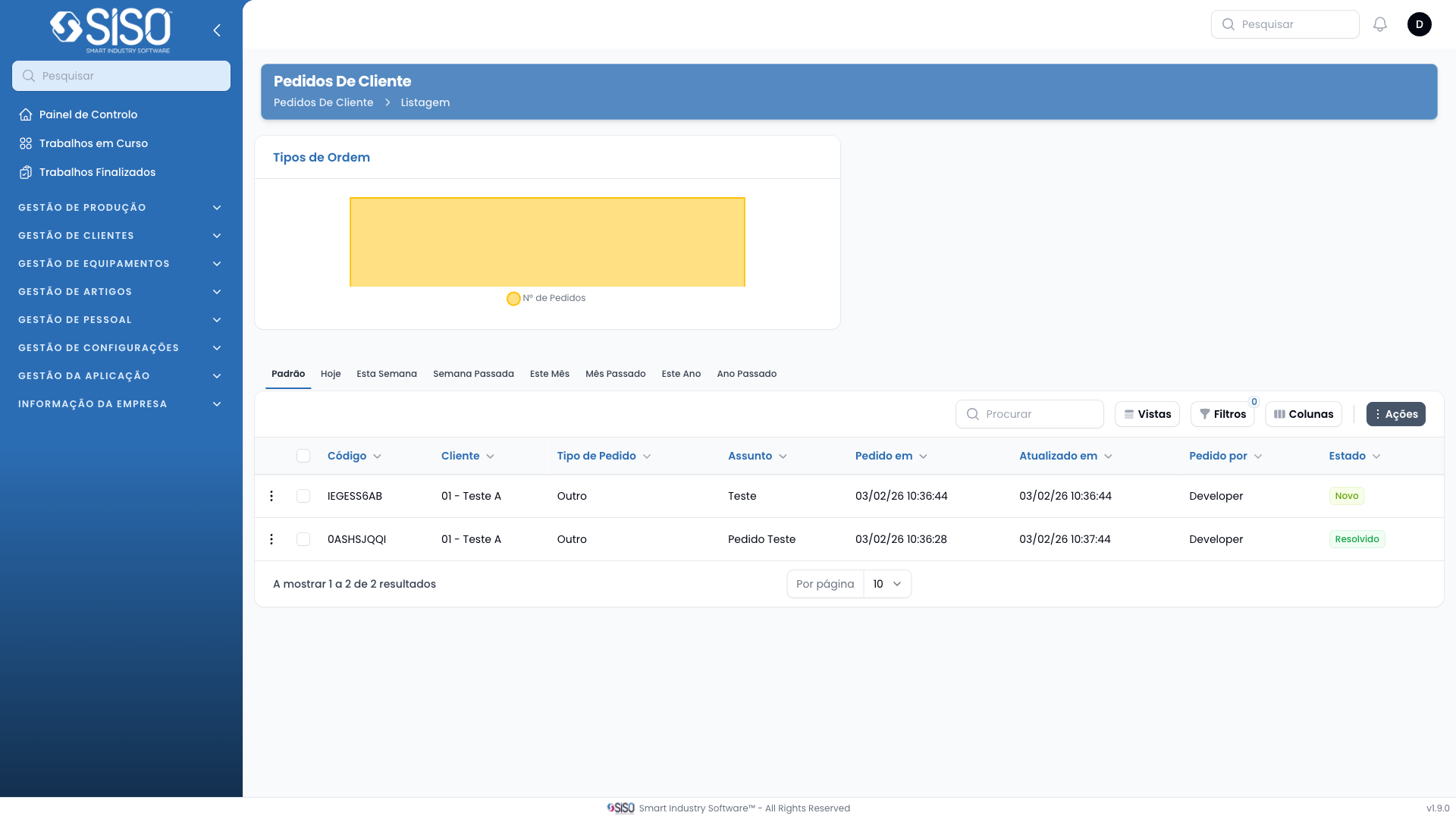
2. Table
The table on the Client Requests page displays client requests based on the filters applied. The table includes columns such as Requested At, Client, Delivery Address, Requested By, Request Type, and Status. When no records are available, a "No records to show" message is displayed.
2.1. Table Actions
- Export All: This action allows users to export all the displayed client requests as a file for external use or archiving.
2.2. Columns
| Field | Description |
|---|---|
| Requested at | Displays the date and time when the request was made. |
| Client | The name of the client who made the request. |
| Delivery Address | The address where the request needs to be delivered. |
| Requested by | The person or entity that initiated the request. |
| Request Type | Type of request being made, such as delivery or retrieval. |
| Status | The current status of the request (e.g., Pending, Verified). |
2.3. Filters
- Request Type: This filter allows users to filter the client requests by their type (e.g., delivery, retrieval). Selecting this will show requests of a specific type.
- Status: Filters requests based on their current status (Pending, Verified, Rejected, Solved). Selecting one or more statuses will update the table to show relevant requests.
2.4. Record Actions
- View: Allows users to view the full details of a specific client request.
- Timeline: Displays a timeline of events and updates related to the client request.