Replacement
1. Page Objectives
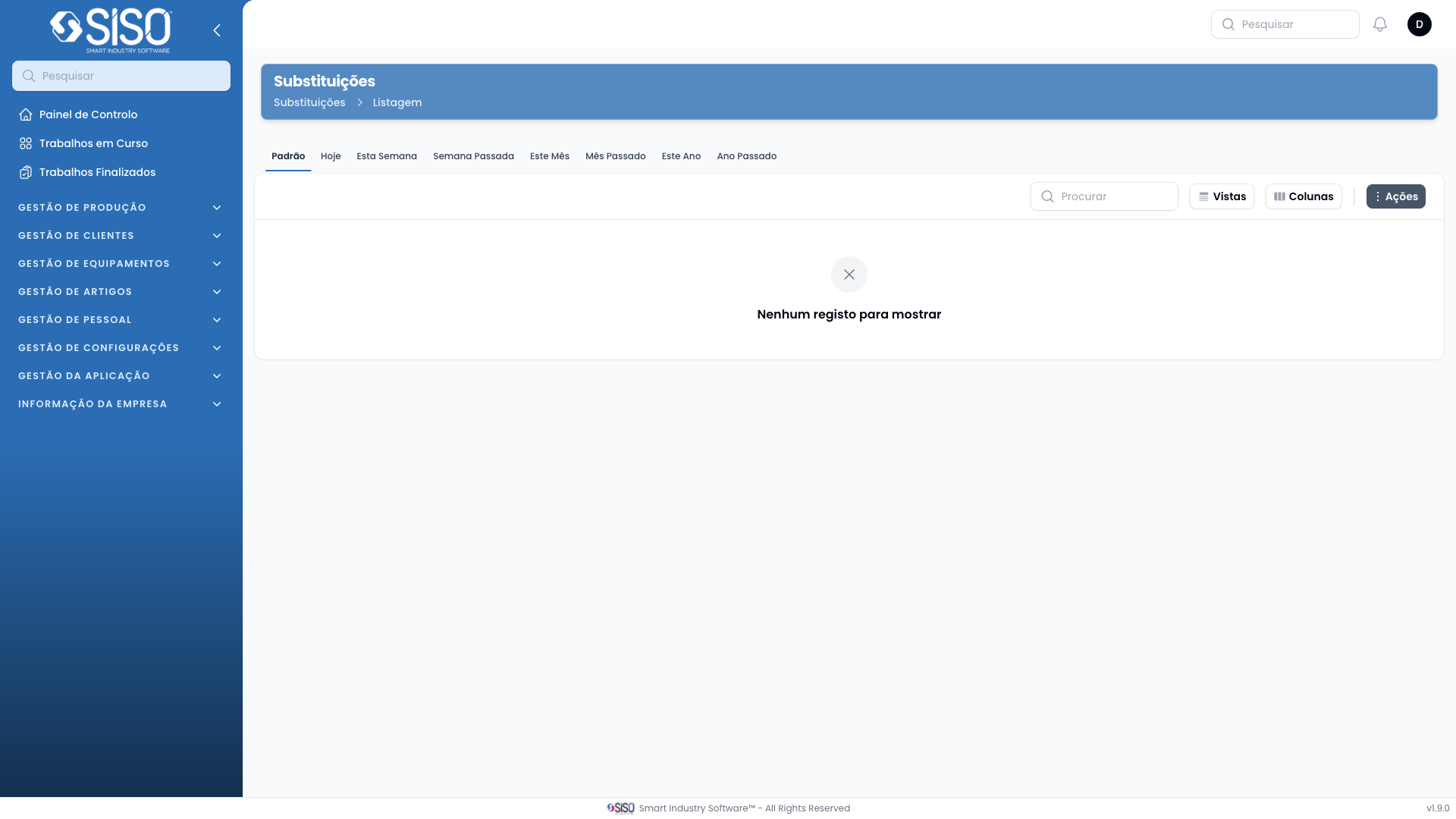
The Replacement page allows users to manage replacement activities by viewing, filtering, and exporting replacement records. It is designed to track items that need to be replaced and maintain records of the old and new articles involved.
2. Table
The table on the Replacement page displays the list of replacements. Currently, the table has no records, but it is intended to show relevant information about each replacement such as code, client, and article types.
2.1. Table Actions
Export All: Exports all replacement records that match the current filters into a downloadable format.
2.2. Columns
| Field | Description |
|---|---|
| Code | Unique identifier for the replacement record |
| Client | The client associated with the replacement |
| Employee | The employee responsible for handling the replacement |
| New Article Type | The type of the new article that is replacing the old one |
| Old Article Type | The type of the old article that is being replaced |
| New Supplier | The supplier providing the new article |
| Old Supplier | The supplier of the old article |
| Affected Client Employee | The employee of the client affected by the replacement |
| Status | The current status of the replacement (e.g., Pending, Finished) |
| Registered At | The date when the replacement was registered |
| Finished At | The date when the replacement was completed |
2.3. Filters
Old Article Type: Filters replacement records by the type of old article being replaced.
Client: Filters replacements by the client associated with them.
Status: Filters replacements by their current status:
- Pending: Replacement is awaiting to be processed.
- Finished: Replacement has been completed.
Registered from / Registered until: Filters replacement records based on the registration date range.
2.4. Record Actions
Export All: Allows the user to export all replacement records based on the applied filters into a downloadable format.