Repair
1. Page Objectives
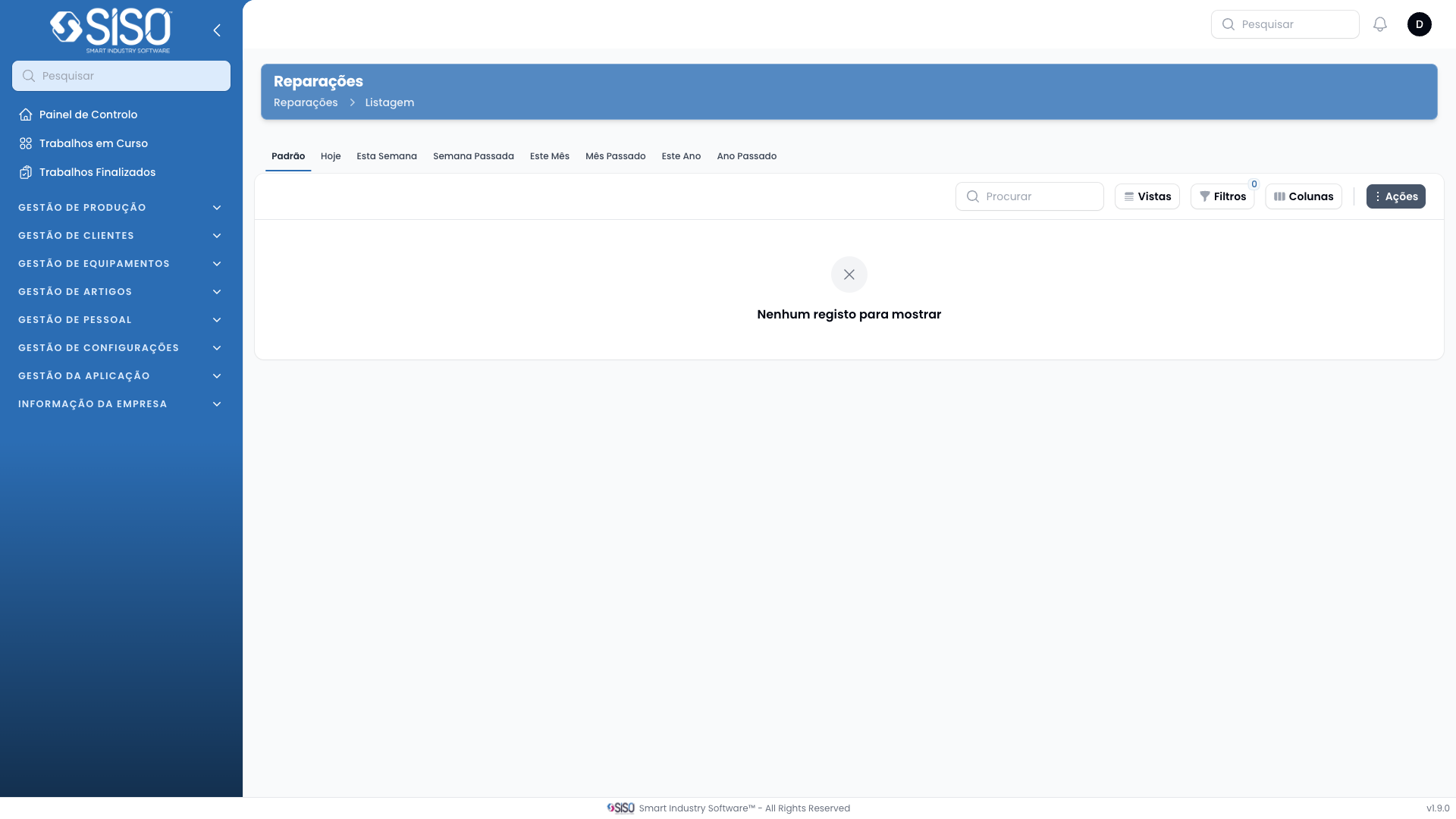
The Repair page allows users to manage repairs by viewing, filtering, and exporting repair records. It provides the ability to track the progress of ongoing repairs and see key information about the repair process.
2. Table
The table on the Repair page displays the list of repairs. Currently, the table has no records, but it is designed to show relevant information about each repair such as code, registered date, and client.
2.1. Table Actions
Export All: Exports all repair records that match the current filters in a downloadable format.
2.2. Columns
| Field | Description |
|---|---|
| Code | Unique identifier for the repair record |
| Registered At | The date and time when the repair was registered |
| Finished At | The date and time when the repair was completed |
| Measured Duration | The total time taken to complete the repair |
| Measured Pause | Any pauses recorded during the repair process |
| Client | The client associated with the repair |
| Article Type | The type of article that is being repaired |
| Size | The size of the article |
| Contract | The contract under which the repair is being handled |
| Repairman | The person responsible for performing the repair |
| Status | The current status of the repair (e.g., Pending, Running) |
| Cost | The total cost incurred for the repair |
2.3. Filters
Client: Filters repairs by the client associated with them.
Registered from / Registered until: Allows users to filter repair records based on the registration date range.
Status: Filters repairs by their current status:
- Pending: Repair is awaiting to be started.
- Running: Repair is currently in progress.
- Paused: Repair has been paused.
- Finished: Repair has been completed.
- Aborted: Repair was aborted and will not be completed.
2.4. Record Actions
Export All: Allows the user to export all repair records based on the applied filters into a downloadable format.