Incidents
1. Page Objectives
This page is used to manage incidents within the system. It allows users to view and manage incident records, filter data, and perform actions such as validating, rejecting, or viewing incident details.
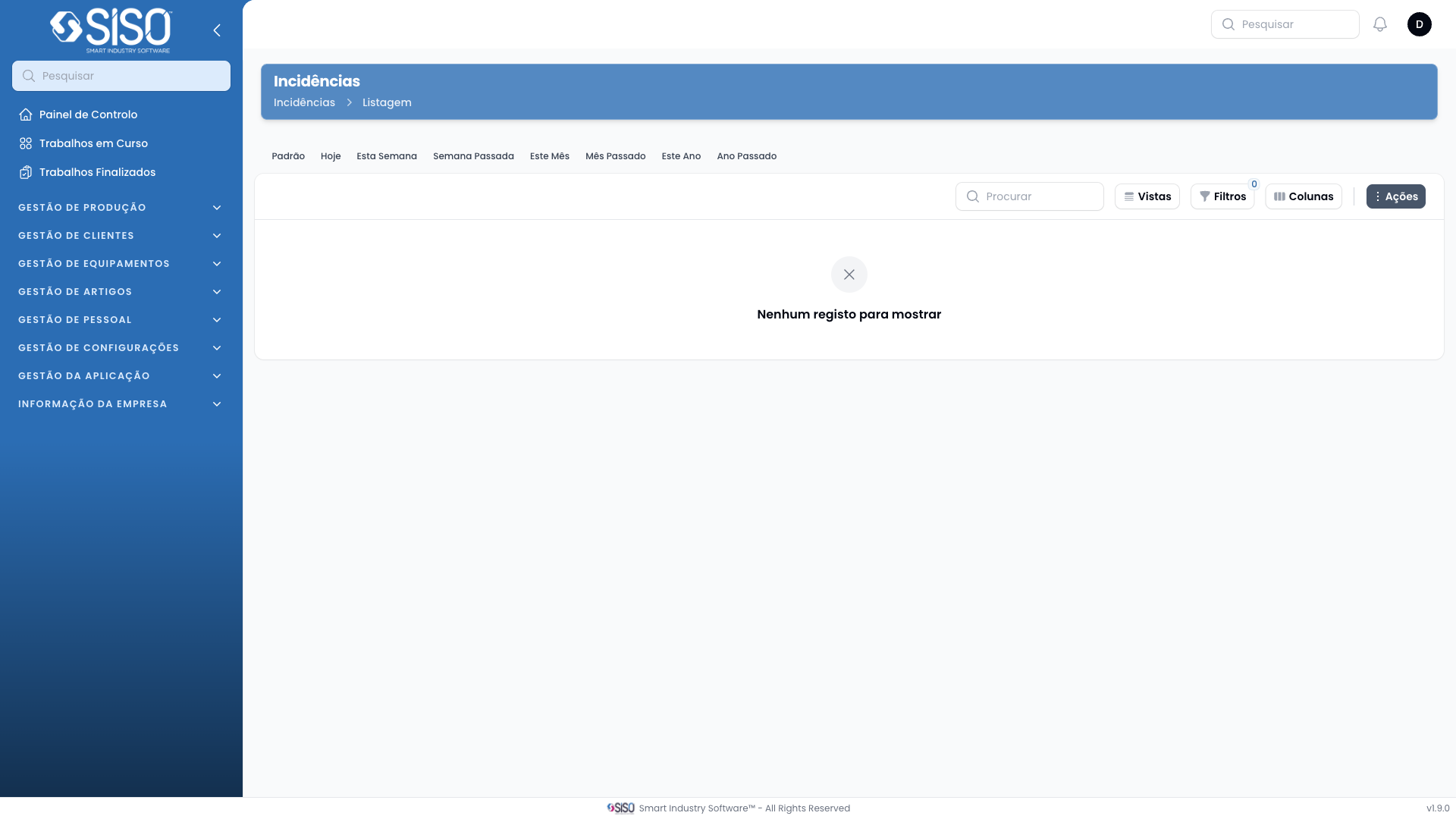
2. Table
The table displays the list of incidents that match the selected filters, providing key information such as article type, client, incident type, and complainer.
2.1. Table Actions
View: Opens the details of the selected incident for review.
Validate: Marks the incident as validated, confirming that the issue has been handled appropriately.
Reject: Marks the incident as rejected, indicating that it will not be resolved or is considered invalid.
2.2. Columns
| Field | Description |
|---|---|
| Finished At | The date and time when the incident was marked as finished |
| Article Type | The type of article involved in the incident |
| Size | The size of the article |
| Client | The client associated with the incident |
| Incident Type | Categorizes the type of incident (e.g., Internal) |
| Complainer | The person who filed the complaint |
| Motive | The reason for the incident |
| Validated by | Indicates the person who validated the incident |
| Solution | The solution applied to resolve the incident |
| Resolution Cost | The cost incurred for resolving the incident |
| Cost Allocation | Indicates how the resolution cost was allocated |
| Status | The current status of the incident (e.g., Reported) |
| Photos | Links to any photos related to the incident |
2.3. Filters
Client: Filters the incidents by the client associated with them.
Incident Type: Allows filtering by the type of incident (e.g., Internal).
Solution: Filters incidents based on the solution applied.
Motive: Filters the incidents by the reason provided for their occurrence.
Reported from / Reported until: These filters allow the user to filter incidents by a date range when they were reported.
2.4. Record Actions
Export All: Allows the user to export all filtered incidents into a downloadable format.
Select an op: Enables the user to select a specific operation to perform on the incident record, such as view, validate, or reject.