[DEV] Work Flows
1. Page Objectives
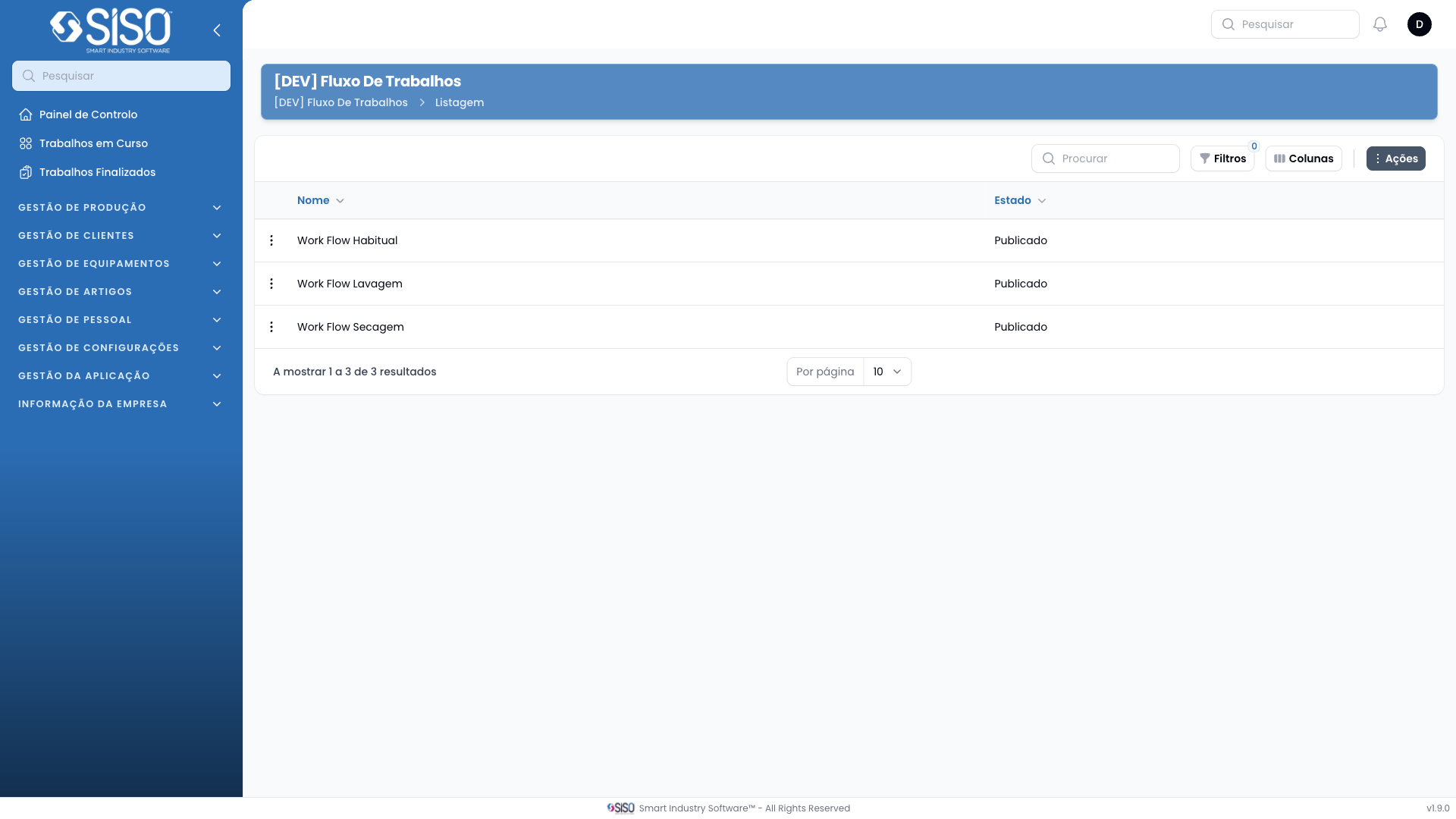
This page is used to manage different work flows within the system. Users can view, create, or modify existing work flows.
2. Table
The table displays a list of all the work flows created in the system. Each row represents an individual work flow with details such as the name and its current status.
2.1. Table Actions
New [DEV] Work Flow: Allows users to create a new work flow.
2.2. Columns
| Field | Description |
|---|---|
| Name | The name of the work flow |
| Status | The publication status of the work flow (e.g., published) |
2.3. Filters
There are no active filters displayed by default. Users can manually add or remove filters using the filter button if available.
2.4. Record Actions
Make Copy: Duplicates the selected work flow. Deprecate: Marks the selected work flow as deprecated.