From Clients
1. Page Objectives
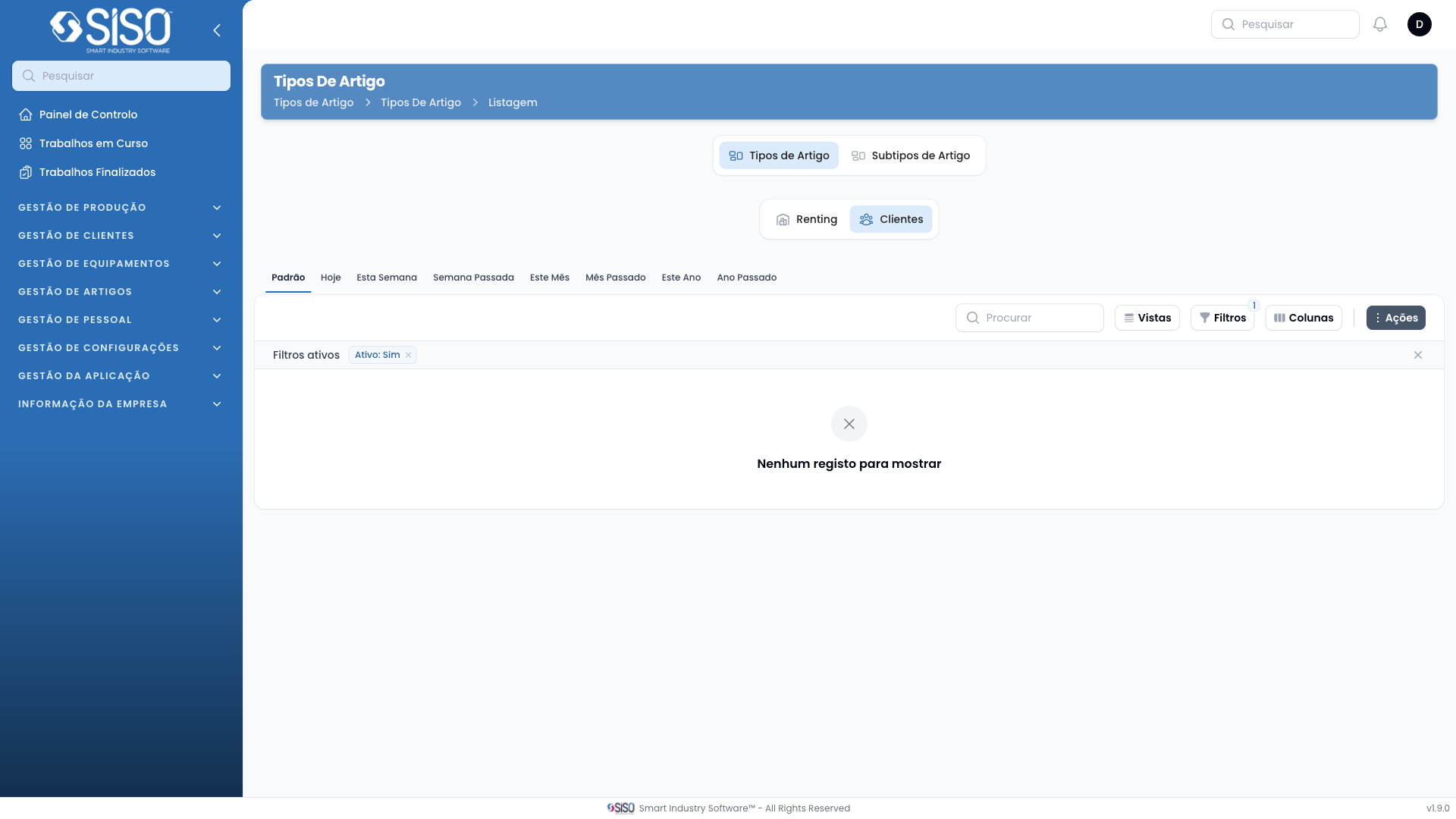
The "Article Types" page allows users to manage and configure different types of articles, including their abbreviations, assignability, and activity status. Users can create new article types, edit existing ones, and filter through the list to see active or inactive articles.
2. Table
The table on this page displays the list of article types, including their ID, name, abbreviation, whether they are assignable, and if they are active. The table allows users to sort and filter article types based on their status or other fields.
2.1. Table Actions
- Create: Allows the user to create a new article type and define its properties.
- Export All: Exports the list of all article types for further analysis or external use.
2.2. Columns
| Field | Description |
|---|---|
| ID | A unique identifier for the article type. |
| Name | The name of the article type. |
| Abbreviation | The abbreviation used to represent the article. |
| Assignable | Indicates whether the article type is assignable. |
| Active | Shows if the article type is currently active. |
2.3. Filters
- Status: Filters the table based on the activity status of the article types. The user can choose between Active, Inactive, or All.
2.4. Record Actions
- Create Sizes: Allows the user to define different sizes for the article type.
- Edit: Enables the user to edit the details of the selected article type.