[DEV] Error Logs
1. Page Objectives
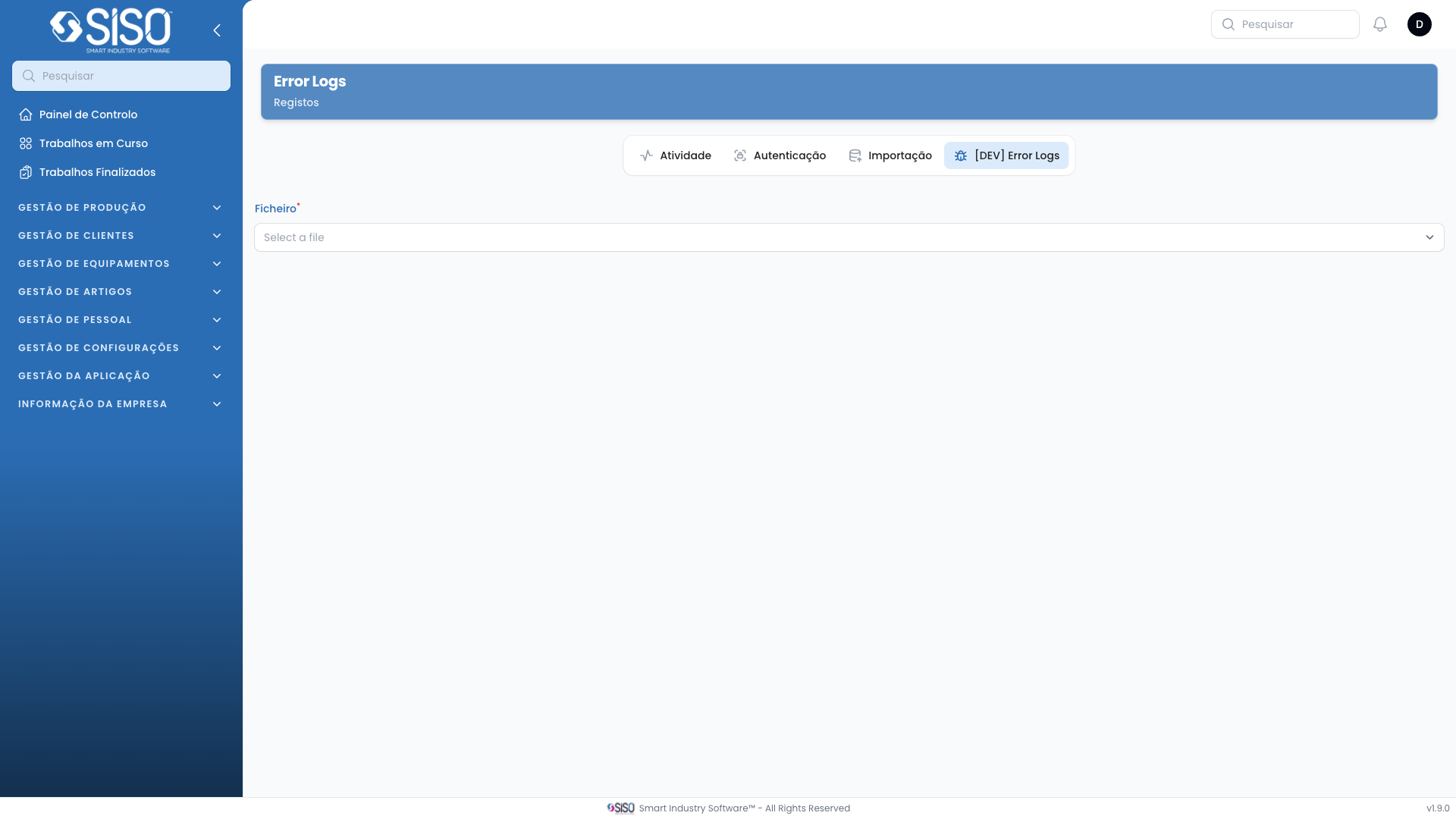
The Error Logs page allows users to view and analyze log files that contain error messages and other critical information about system operations. This page helps identify issues within the system by reviewing logged errors.
2. Table
The log viewer displays the contents of the selected error log file, allowing users to review each error entry in detail. The table provides essential information about the errors, including the timestamp, error messages, and any affected entities.
2.1. Table Actions
Search Logs: Allows users to search for specific error messages or entries within the log file to narrow down the results.
2.2. Columns
| Field | Description |
|---|---|
| Line Number | The line number in the log file where the error is located. |
| Timestamp | The exact date and time when the error occurred. |
| Error Message | The message or description of the error encountered. |
2.3. Filters
There are no explicit filters provided on this page as the entire content of the log file is displayed. However, users can search for specific keywords or errors using the search bar.
2.4. Record Actions
File Selection: Users can select the log file they want to view from the dropdown list to see its contents in the log viewer.
Search Logs: Users can type in specific keywords to filter out entries in the log based on the error messages or other criteria.