Employee Calendar
1. Page Objectives
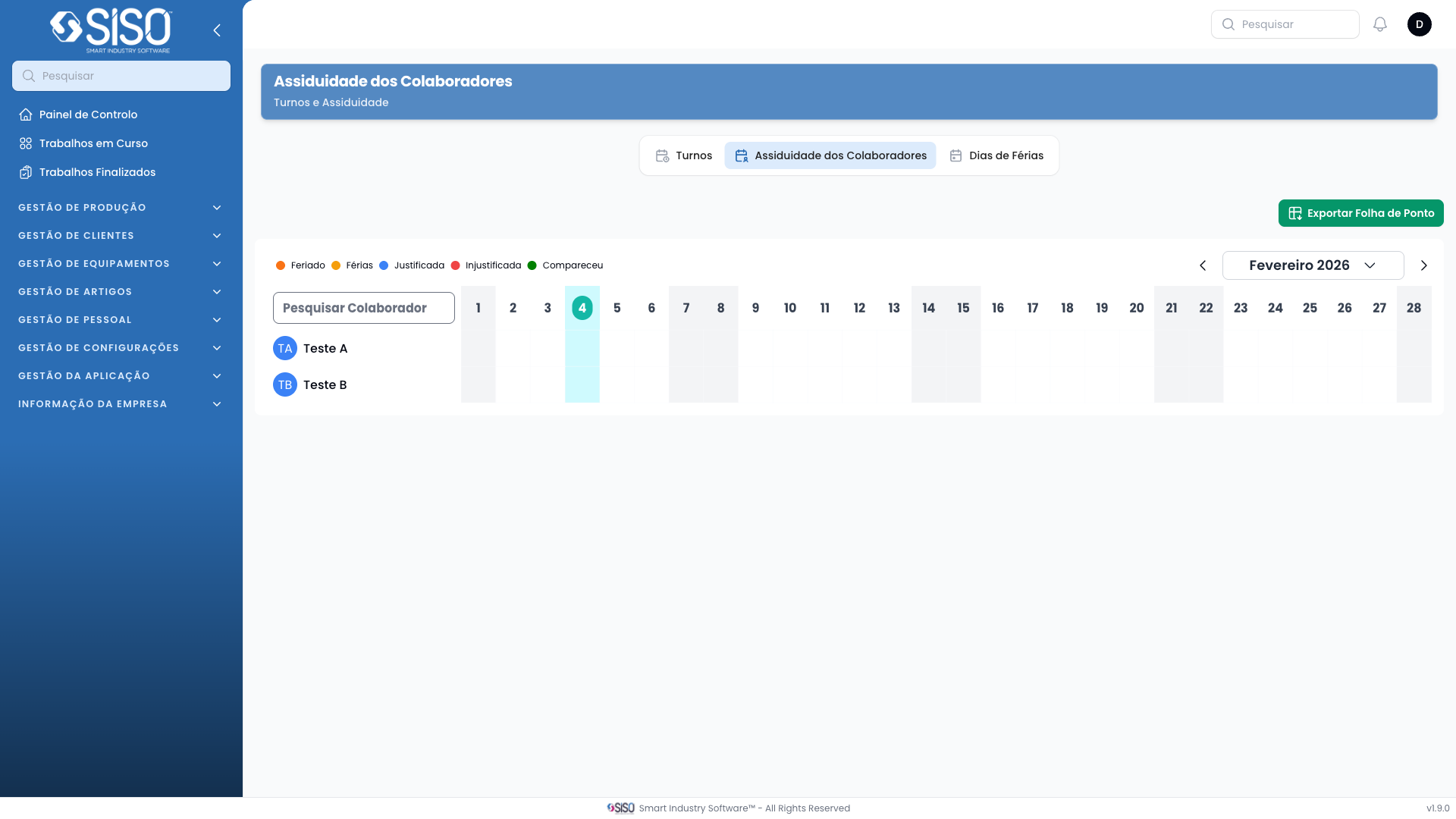
The Employee Calendar page under HR Management provides a visual overview of employee events, such as holidays, justified or unjustified absences, and attendance. It allows for managing and viewing employee schedules in a calendar format, with options to create new events.
2. Table
The calendar displays employee-related events for the selected month, week, or day, and highlights special occasions such as holidays. The table view is not present here, but the calendar serves the function of listing events on specific dates.
2.1. Table Actions
- New Event: Allows the creation of a new calendar event for an employee, such as a holiday or absence.
2.2. Columns
| Field | Description |
|---|---|
| Title | Displays the title of the event |
| Date | Shows the start and end date of the event |
| Color | Displays the color associated with the event |
2.3. Filters
There are no filters visible on this page, but the view can be changed between month, week, or day views.
2.4. Record Actions
- Event Creation: When creating a new event, options include specifying the event type (holiday, justified absence, unjustified absence, etc.), title, color, and start/end date.